
Professional online calculator with advanced mathematical functions
Free Online Scientific Calculator — All the Functions You Need
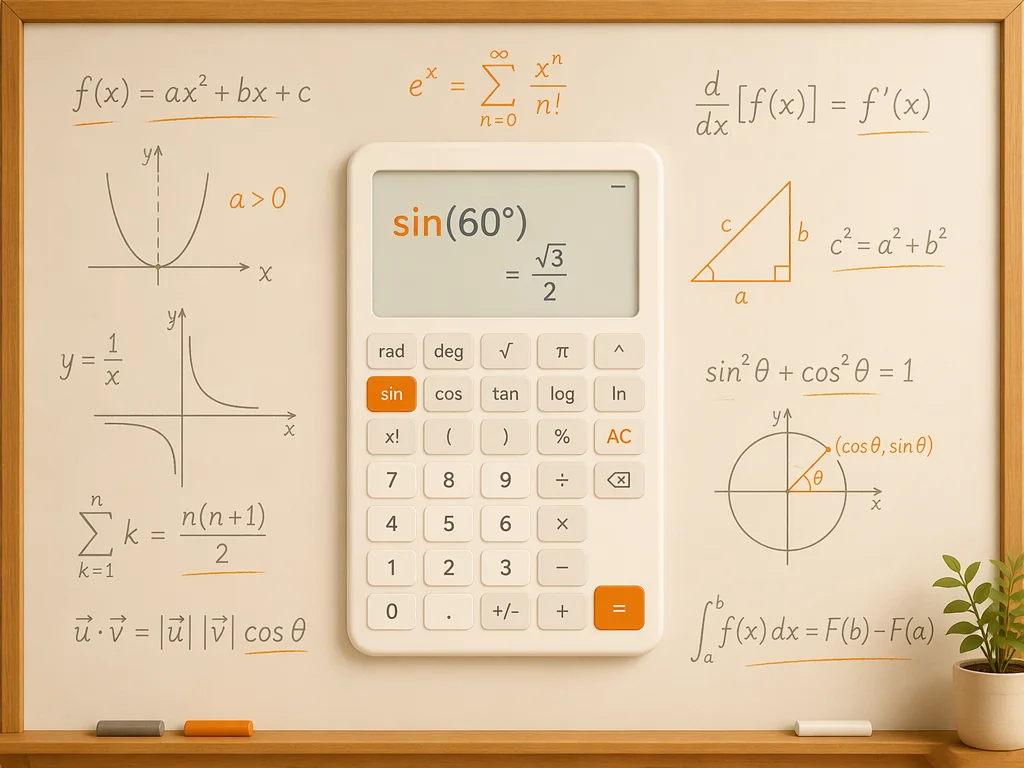
Solve trigonometry, logarithms, exponents, factorials, and more with our free online scientific calculator. Whether you are working through homework, preparing for exams, or checking engineering calculations, this tool gives you fast, accurate results without downloading anything. It covers everything from basic arithmetic to advanced scientific functions, all in one clean interface.

Everything a Scientific Calculator Should Do
Core Operations — From Basic Math to Advanced Functions
Add, subtract, multiply, and divide with precision. Go further with percentages, parentheses, and nested expressions. Our scientific calculator handles it all in a clean, intuitive layout. When you are ready to go deeper, the factorial button (x!) lets you tackle combinatorics and probability problems, while the square root (√) and power (xʸ) functions make quick work of exponents, squares, and nth roots. For more complex problem-solving beyond what a calculator alone can do, you can also try our AI math solver for tackling challenging equations across all math topics.

Trigonometry, Logarithms, and Scientific Constants
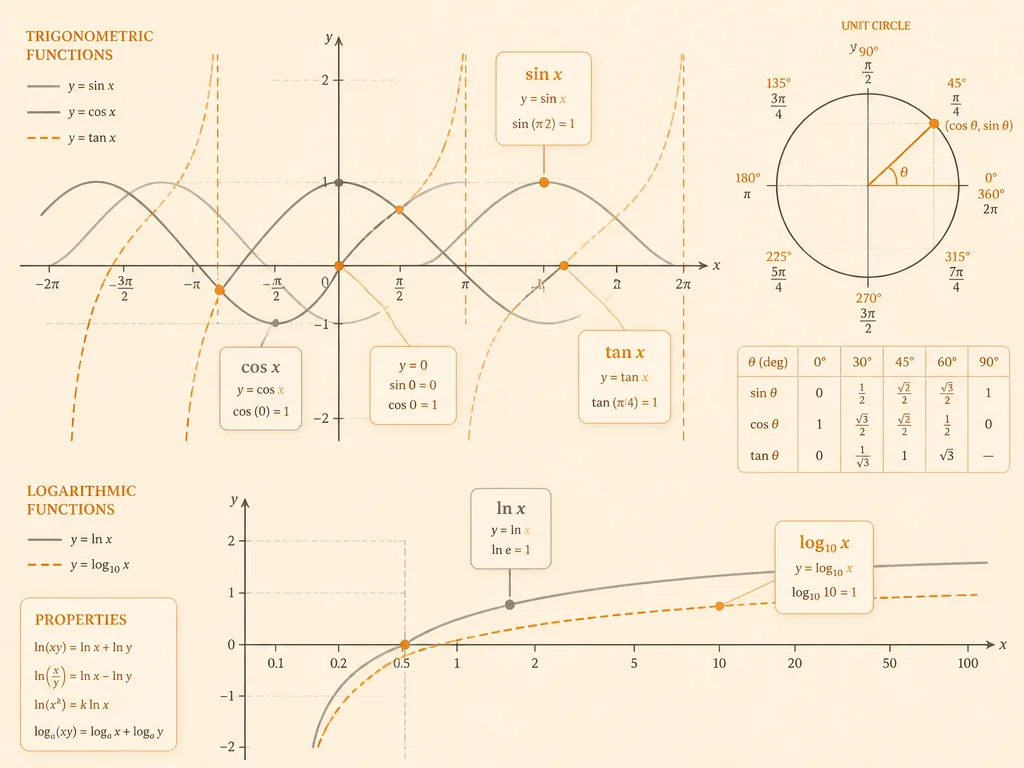
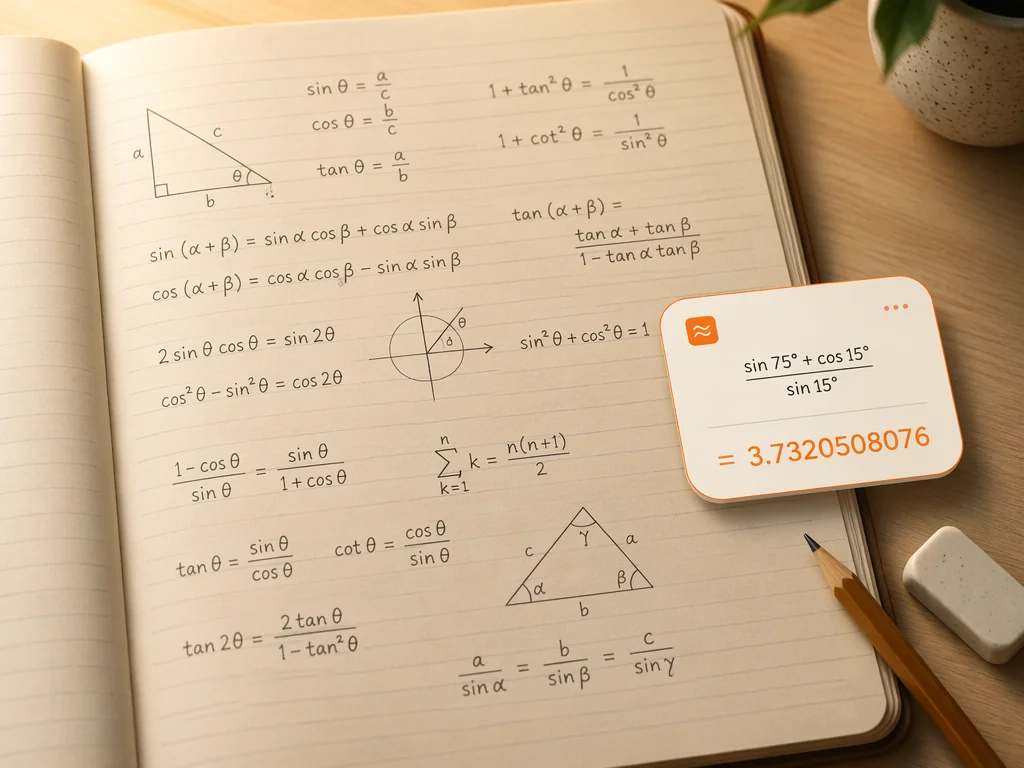
Use the Deg button to switch between degrees and radians, then solve sine, cosine, and tangent functions instantly. Activate inverse trig (sin⁻¹, cos⁻¹, tan⁻¹) when you need to find an angle from its ratio. The natural log (ln) and common log (log) buttons handle logarithmic equations, while π and e give you one-tap access to the most used mathematical constants. For complex expressions involving scientific notation, the EXP key lets you enter values like 3×10⁸ without breaking your flow. When you need to visualize functions, our graphing calculator can turn equations into clear visual plots.
Calculation History and the Ans Key
Your three most recent calculations are saved in the history panel, so you can quickly reference your last few results and reuse them with the Ans key. This makes multi-step problems easier to manage — perform a calculation, bring the result into the next step with Ans, and keep going without writing anything down. The clear interface shows your full expression before computing, helping you catch input errors before they happen.

How to Use the Scientific Calculator
Enter Your Expression
Type your calculation directly or click the on-screen buttons. Use parentheses for grouping, and the calculator will follow standard order of operations automatically.
Apply Scientific Functions
Tap sin, cos, tan, log, ln, √, xʸ, x!, π, or e as needed. Use the Deg button to switch between degrees and radians for angle-based calculations.
Get Results and Check Recent History
Press equals to compute. Your result appears instantly, and your last three calculations are saved in the history panel. Tap any recent result to reuse it with the Ans key for multi-step problems.
Who Benefits from This Scientific Calculator
Students Tackling Math and Science Homework
From middle school algebra to college calculus, students use this scientific calculator for quick checks, trigonometry problems, logarithm practice, and exam preparation. It is especially useful when you need to verify answers while working through problem sets and want a fast, accurate tool that covers all the scientific functions you are learning in class. When a standard calculator is not enough, our AI homework helper can assist with a wider range of problem types across multiple subjects.
Teachers Preparing Lessons and Examples
Teachers use this free scientific calculator to prepare worked examples, verify textbook answers, and demonstrate scientific functions in the classroom. The clean interface makes it easy to project on a screen so students can follow along as you walk through sine, cosine, logarithmic, and exponential calculations. It is a practical, no-setup tool that works in any browser without installation.
Engineers and Professionals Doing Quick Calculations
Engineers, researchers, and technical professionals use this scientific calculator for fast on-the-spot calculations involving scientific notation, constants like π and e, and unit-aware expressions. No need to pull out a physical device — just open the browser and start computing. The three-entry calculation history keeps your recent results handy during meetings or while drafting reports.
Anyone Learning Trigonometry, Logarithms, or Advanced Math
If you are studying for a math placement test, brushing up on trigonometry before a physics course, or exploring logarithms for the first time, this scientific calculator gives you instant access to every function you need. The Deg button lets you switch between degrees and radians, making it versatile for both geometry and calculus. When you are ready for guided learning beyond self-study, our AI math tutor provides personalized guidance to help you build a deeper understanding of math concepts.


Why Use Our Free Scientific Calculator
100% Free, No Sign-Up Required
Start calculating immediately. There is no registration, no download, and no limit on basic use. Our scientific calculator works right in your browser on any device.
All Essential Scientific Functions in One Place
Trigonometry, logarithms, exponents, roots, factorials, and scientific constants — everything is available without switching tools or tabs.
Recent Calculation History with Ans Key
Your last three calculations stay visible in the history panel. Review recent results and reuse them instantly with the Ans key for multi-step work.
Works on Any Device, Anywhere
Our scientific calculator is fully responsive — use it on a desktop during study sessions, on a tablet in the classroom, or on your phone when you need a quick calculation on the go.
Clean, Distraction-Free Interface
No ads, no clutter, no confusing menus. The calculator layout is designed to be instantly familiar, with clearly labeled buttons organized in logical groups so you can focus on your math.
Part of the AskMath Learning Platform
This scientific calculator is one of many free tools on AskMath. When you need more than a calculator, the platform also offers math problem solving, tutoring, homework help, and graphing — all designed to support your learning journey.
What Users Say About Our Scientific Calculator







Ready to Solve Smarter? Try Our Free Scientific Calculator
Frequently Asked Questions About Scientific Calculator
A scientific calculator is an advanced calculator designed to handle functions beyond basic arithmetic — including trigonometry (sin, cos, tan), logarithms, exponents, roots, factorials, and scientific constants like π and e. It is widely used by students, teachers, engineers, and researchers for math and science work.
Yes. AskMath's scientific calculator is completely free. There is no sign-up required, no download needed, and no usage limit for basic and scientific functions. You can start calculating right away from any browser.
To use the scientific calculator for trigonometry, press the Deg button to select your angle mode — Deg (degrees) or Rad (radians). Then tap sin, cos, or tan followed by your angle value and press equals. For inverse trig functions, tap the Inv button first, then sin⁻¹, cos⁻¹, or tan⁻¹.
Yes. The calculator supports nested expressions with parentheses, so you can enter fractions as (a/b) combined with exponents using the xʸ button. For example, (3/4)² is entered naturally and computed correctly following the order of operations.
Your three most recent calculations are automatically saved in the history panel. You can review them at any time, and the Ans key lets you reuse the most recent result in your next calculation. History is kept during your current browser session for easy reference.
Press the Deg button to toggle between Deg (degrees) and Rad (radians) modes. Degrees measure angles out of 360 per circle and are commonly used in geometry and everyday math. Radians measure angles based on π (2π per circle) and are standard in calculus, physics, and higher mathematics.
The EXP button lets you enter numbers in scientific notation format (a × 10ⁿ). For example, to enter 3 × 10⁸, type 3, press EXP, then type 8. This is much faster than typing out the full number and reduces the chance of input errors for very large or very small values.
No. Your calculations are processed locally in your browser. History (the last three entries) is stored only during your active session and is cleared when you close the page. AskMath does not store, collect, or share your calculation data. Your privacy is fully respected.
Absolutely. This scientific calculator is fully responsive and works on desktops, laptops, tablets, and smartphones. The interface adapts to your screen size, so buttons remain easy to tap whether you are using a large monitor or a small phone screen.
If you need equation solving, visual graphing, or help with word problems, AskMath has a full set of learning tools that go beyond this calculator. Visit the AskMath homepage to explore the complete toolset — all designed to work together for a better learning experience.
This online scientific calculator covers the same core functions found on a Casio or TI scientific calculator — trigonometry, logarithms, exponents, roots, factorials, and scientific notation — without the cost or the need to carry an extra device. It is web-based, works on any device, and gives you quick access to three recent calculations in the history panel.