
Geometry Calculator — Free Online Geometry Tool
Our free online geometry calculator computes area, perimeter, volume, and angles for triangles, circles, rectangles, and 3D shapes. Enter the values you know, see the shape drawn from your numbers, and get accurate results instantly with the formula shown for every calculation. Completely free, no sign-up required, and ready to use on any device.
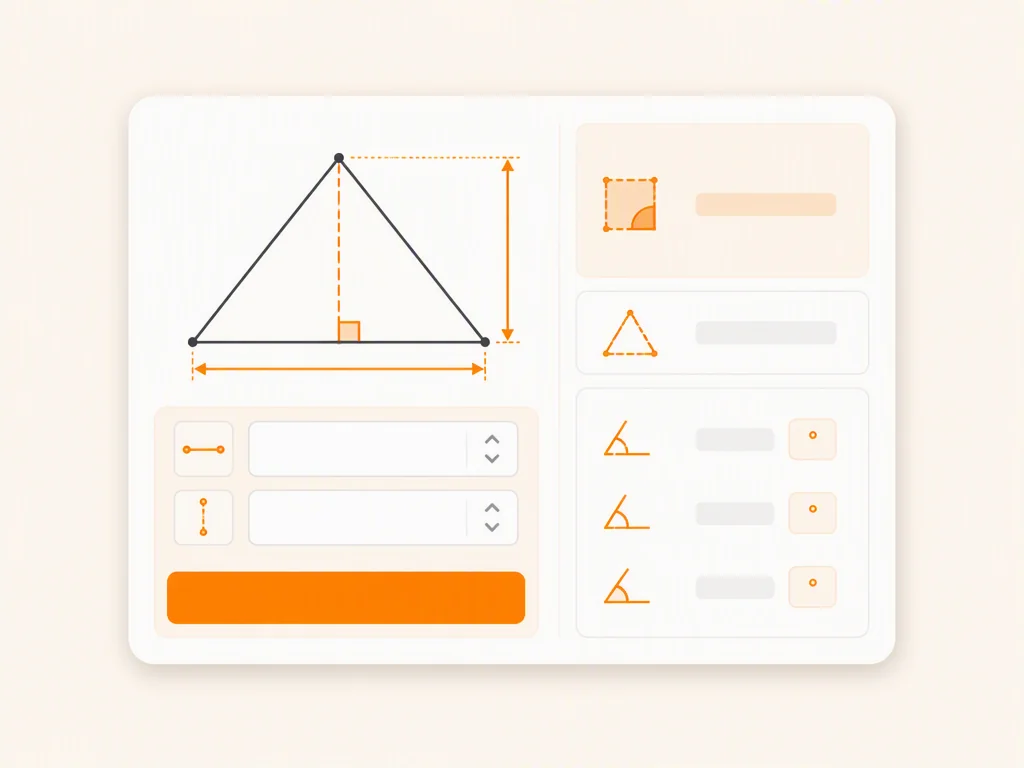
Key Features of This Online Geometry Calculator
Geometry Calculator for Area, Perimeter & Volume
Find area, perimeter, volume, and angles across the shapes you study, all in one tool. Choose a shape, enter the values you know, and this geometry calculator returns accurate results with the formula used for every calculation. Need a rectangle area calculator for homework or a quick volume check for a 3D shape? This tool has you covered.
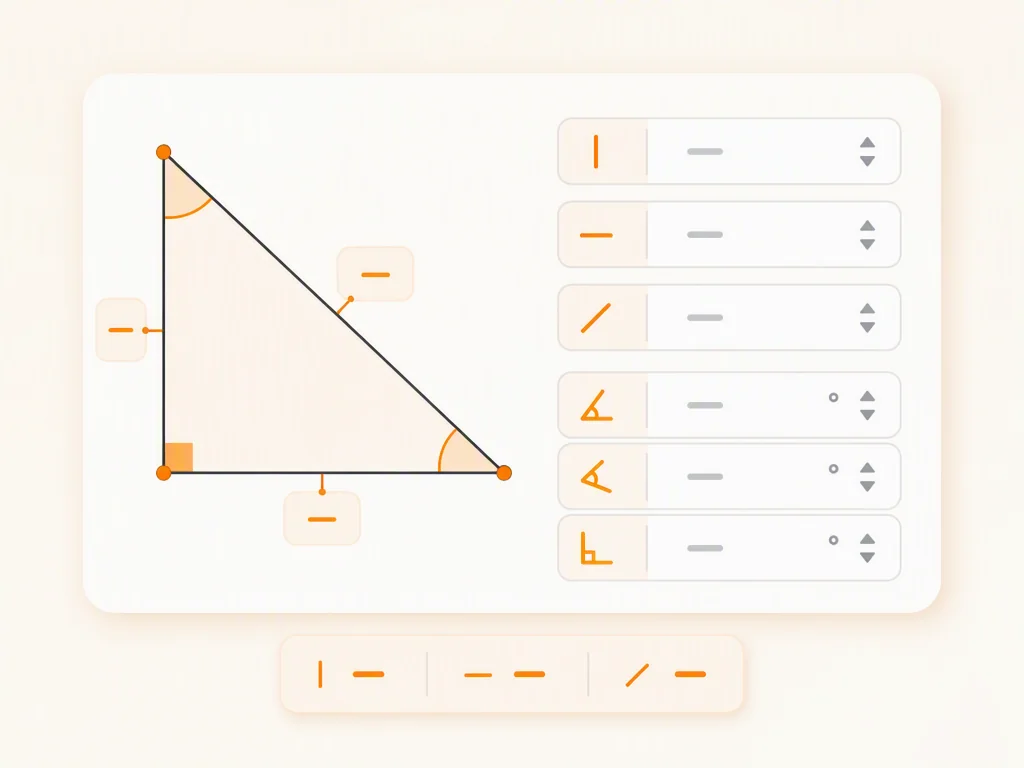
Visualize Shapes with Geometry Drawing
See your shapes as you work. This geometry calculator draws the shape from the values you enter, so you can check angles, sides, and proportions visually before using the result. The built-in geometry drawing tool makes it easy to explore how changing one value changes the whole shape.
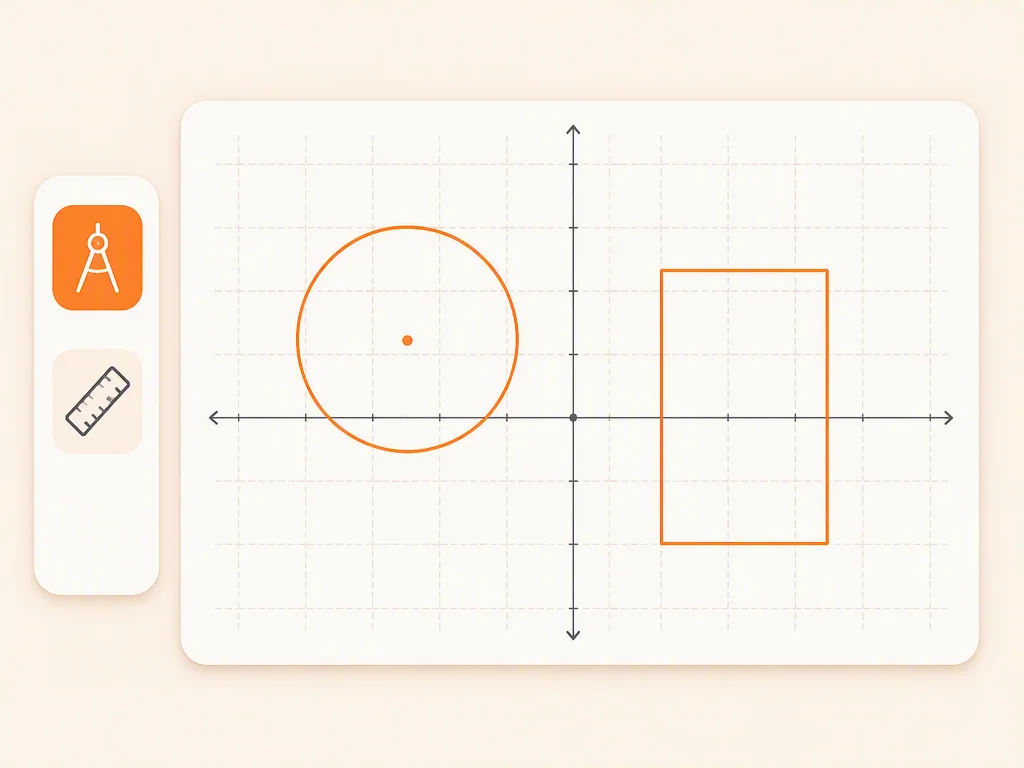
Free Online Geometry Calculator for Every Shape
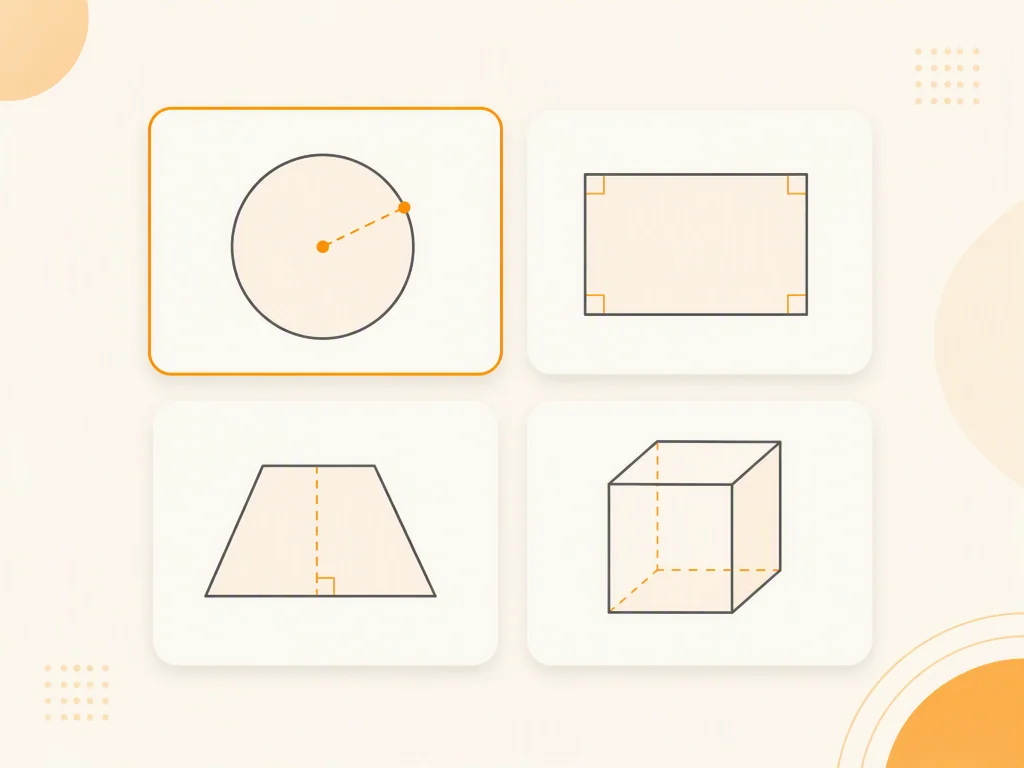
This geometry calculator online covers circles, rectangles, squares, parallelograms, trapezoids, and common 3D shapes. It is completely free, with no account, no paywall, and no limits. Use it for homework, quick checks, or everyday calculations whenever you need reliable geometry help.
How to Use the Geometry Calculator
Choose a Shape and Enter Your Values
Pick the shape you need, such as a circle, rectangle, or triangle, then enter the values you know. Geometry calculator accepts length, width, height, radius, and angle inputs.
Get Instant, Accurate Results
Press calculate and the result appears immediately, with the formula shown so you can follow how it was derived. Results include area, perimeter, volume, or angles depending on the shape.
Visualize, Adjust, and Recalculate
Review the drawn shape, change any value, and recalculate as many times as you like. Since the tool is completely free, you can experiment freely until the numbers make sense.
Best Ways to Use the Geometry Calculator
Check Homework Faster
Verify area, perimeter, and volume answers while doing geometry homework. This geometry calculator gives accurate results in seconds, and the formula display helps you spot where your own work went wrong. For broader help with other subjects, you can also use AI homework helper.
Review for Exams with Confidence
Practice geometry formulas and check your answers before a test. Work through circles, rectangles, and 3D shapes quickly, and use the drawn diagrams to confirm you understand each shape's properties. For help turning geometry word problems into equations, try word problem solver.
Support Classroom and Tutoring Sessions
Teachers and tutors can use this geometry tool to prepare clear examples, show shapes visually, and let students explore calculations hands-on during class or study groups.
Practice Geometry on Your Own
Self-study is easier with instant feedback. Enter different values, compare results, and watch the shape change in real time, which builds a stronger intuition for geometry. For more advanced problem types, explore tools like the calculus solver.
Why Students Choose This Geometry Calculator
Completely Free, No Limits
This geometry calculator is free to use with no account, no paywall, and no hidden limits. Use it as often as you need for homework, practice, and quick checks.
Instant, Accurate Results
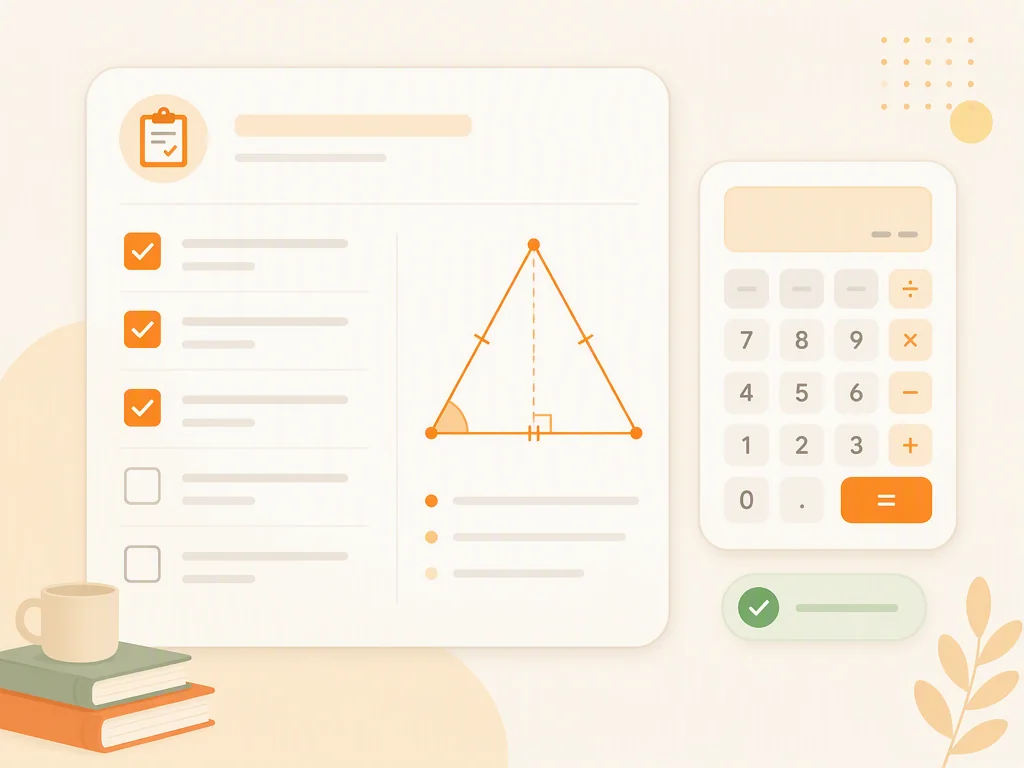
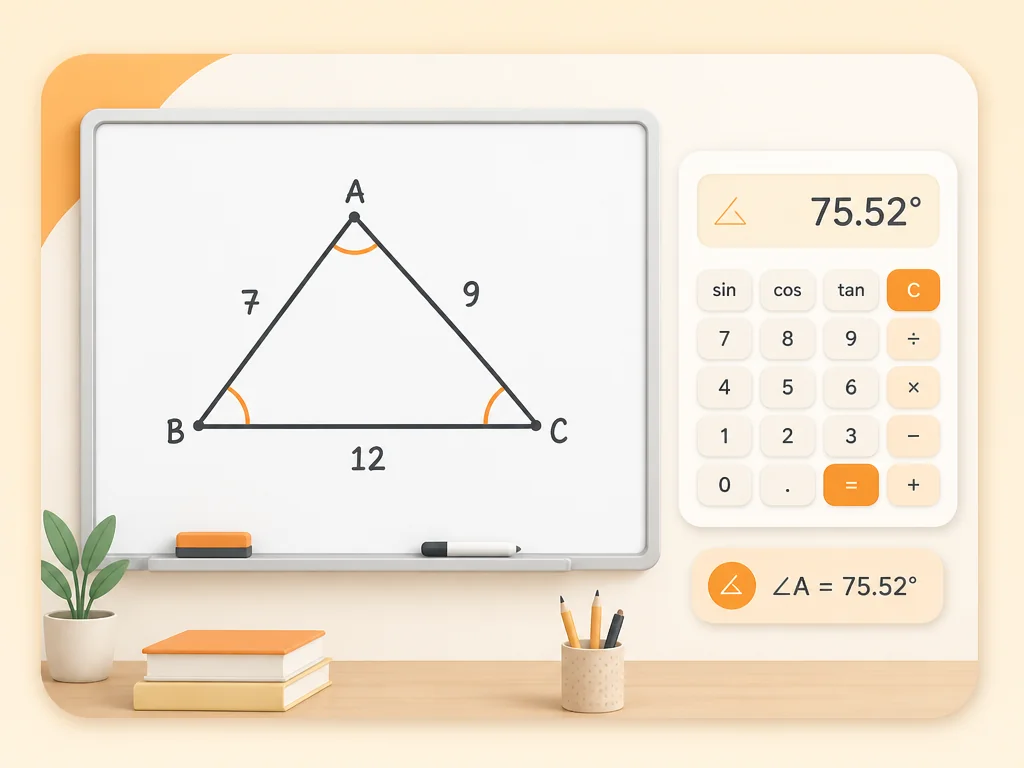
Enter your values and get accurate area, perimeter, volume, and angle results right away, with the formula displayed for every calculation.
One Tool for Many Shapes
Circles, rectangles, squares, parallelograms, trapezoids, and common 3D shapes are all covered in one place, so you do not need to switch between different tools.
Interactive Geometry Drawing
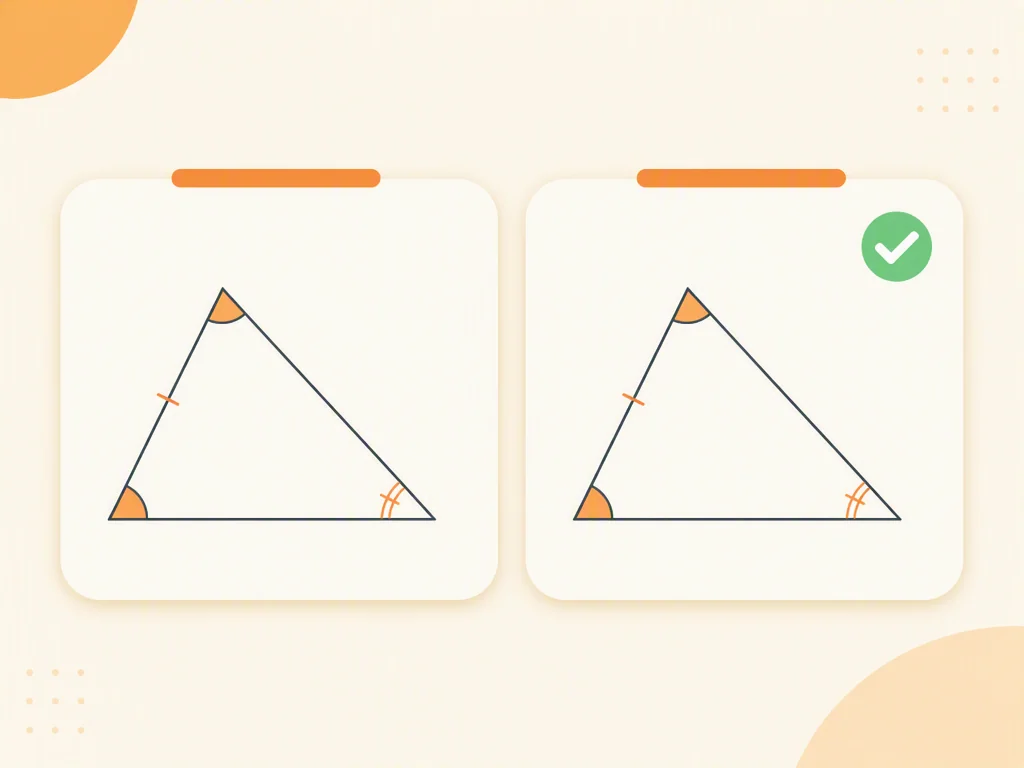
The built-in drawing view shows each shape from your values, helping you visualize angles, sides, and proportions before using the result.
Works on Any Device, Anytime
Use it in your browser on a phone, tablet, or computer. No downloads, no installs, no sign-up.
Clear Formulas for Better Understanding
Every result shows the formula used, so you can connect the answer to the method and build lasting understanding. If you want to learn with a guided tutor, check out AI math tutor.
What Students Say About the Geometry Calculator







Start Using the Geometry Calculator for Free
Frequently Asked Questions About the Geometry Calculator
A geometry calculator is an online tool that computes area, perimeter, volume, and angles for shapes like triangles, circles, rectangles, and 3D solids. It shows the formula used with every result and draws the shape from the values you enter.
Yes, it is completely free. No account, no paywall, no usage limits. Use it for homework, exam review, or everyday calculations as often as you need.
It covers triangles, circles, rectangles, squares, parallelograms, trapezoids, and common 3D shapes. You can calculate area, perimeter, volume, and angles for these shapes.
Yes. The drawing view draws the shape from your entered values, so you can check angles, sides, and proportions visually as you adjust the numbers.
Yes. Every calculation displays the formula used, so you can follow how the result is derived and connect it to what you are learning in class.
No account is needed. Open geometry calculator in your browser and start calculating right away on any device.
This page is a fast, free geometry calculation and drawing tool that shows formulas and shapes. If you need AI to work through a full problem and explain the reasoning, you can use AI Geometry Solver on the AskMath homepage.
Yes. The values you enter are only used to generate your calculation results and are not shared. Content is handled according to the platform's privacy policy. For advanced numeric work, pair this tool with scientific calculator.