
AI Question Generator for Study, Teaching, and Review
Turn notes, readings, handouts, and PDFs into a ready-to-review question set. This AI question generator pulls the key ideas from your source material, builds the question formats you choose, and pairs each set with an answer key you can check and reuse. It works for study, teaching, and training in any subject.
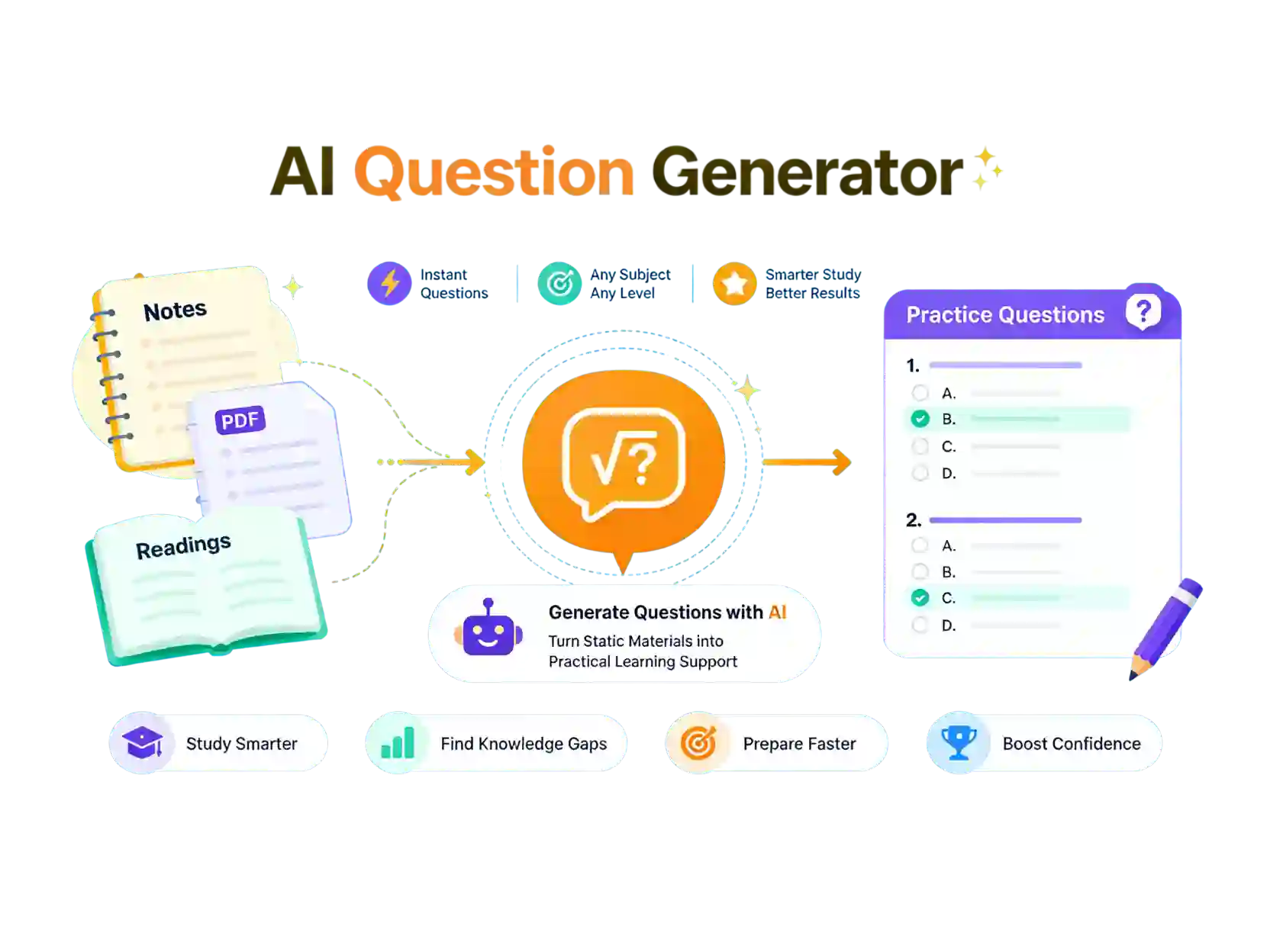
What the AI Question Generator Can Do
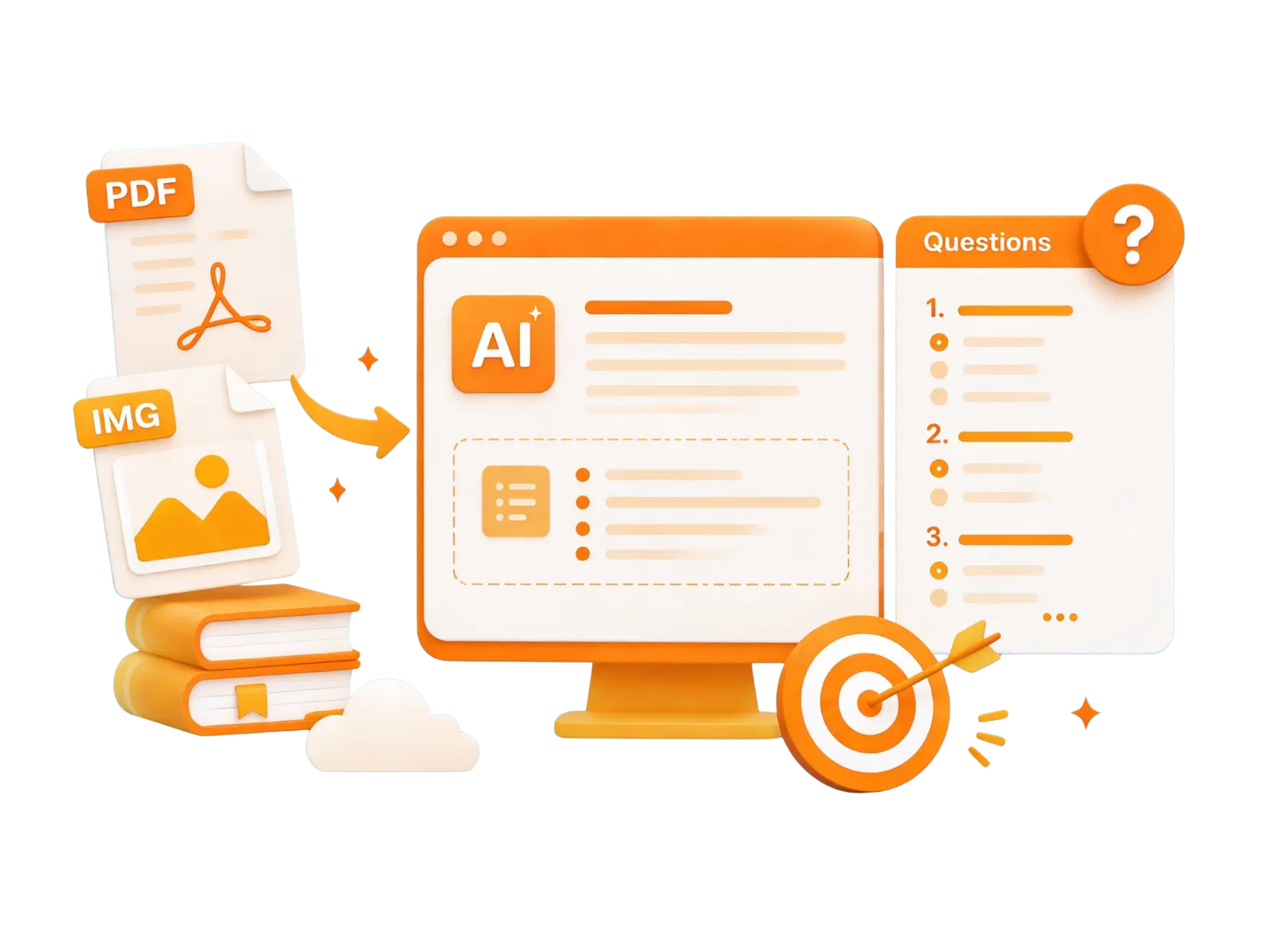
Generate Questions From PDFs and Long Documents
Upload a chapter, a research paper, a training manual, or a scanned handout. The tool reads the whole document, picks out the main ideas, and turns them into questions you can review, so you do not have to work through every page by hand. If a file contains equations or diagrams you want explained, send them to the photo math solver.
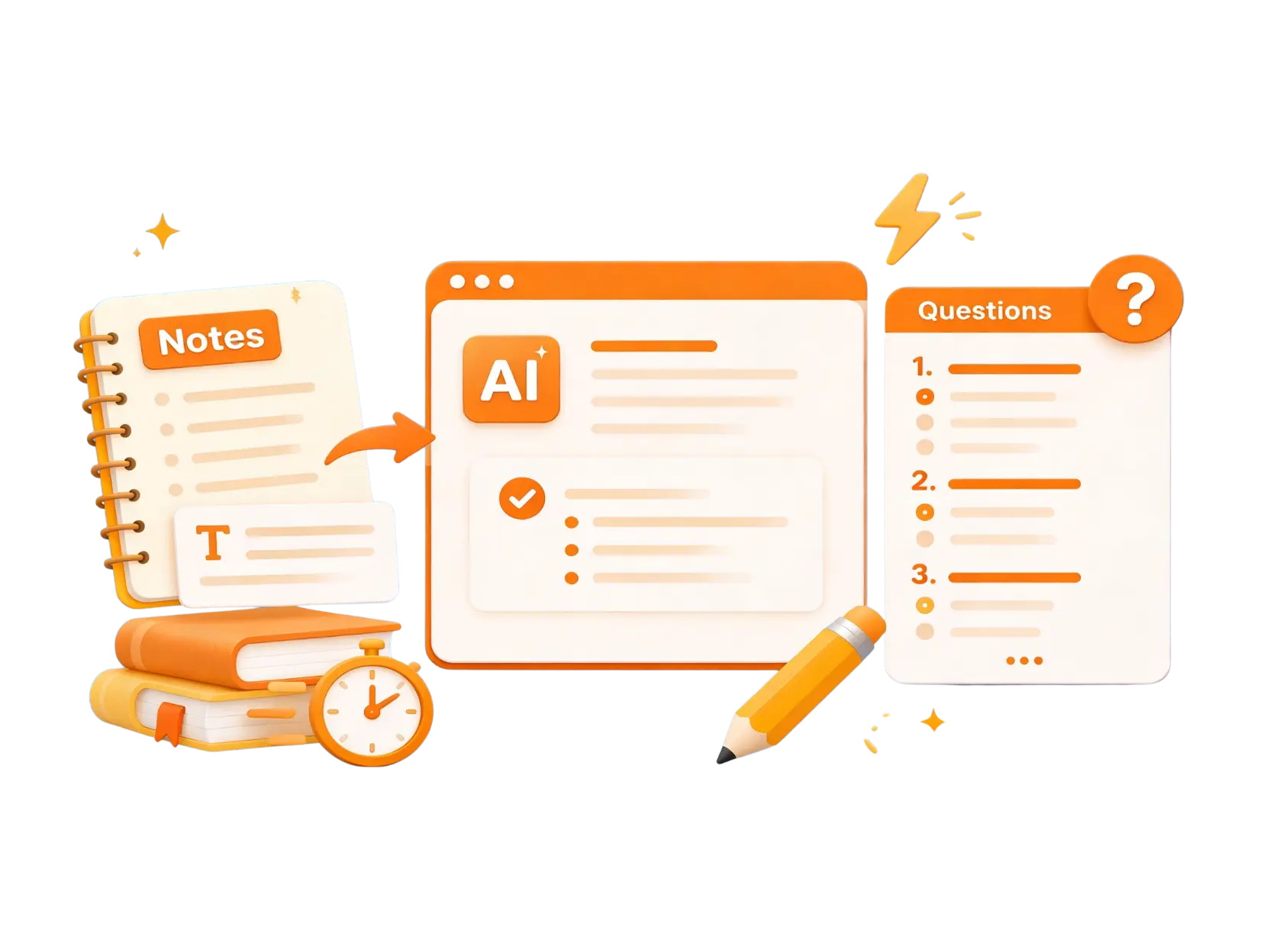
Paste Text or Notes to Build Questions
Drop in lecture notes, an article, a summary, or a lesson outline as plain text. The tool works from the meaning of what you paste, so the questions stay tied to your own material rather than a generic template.
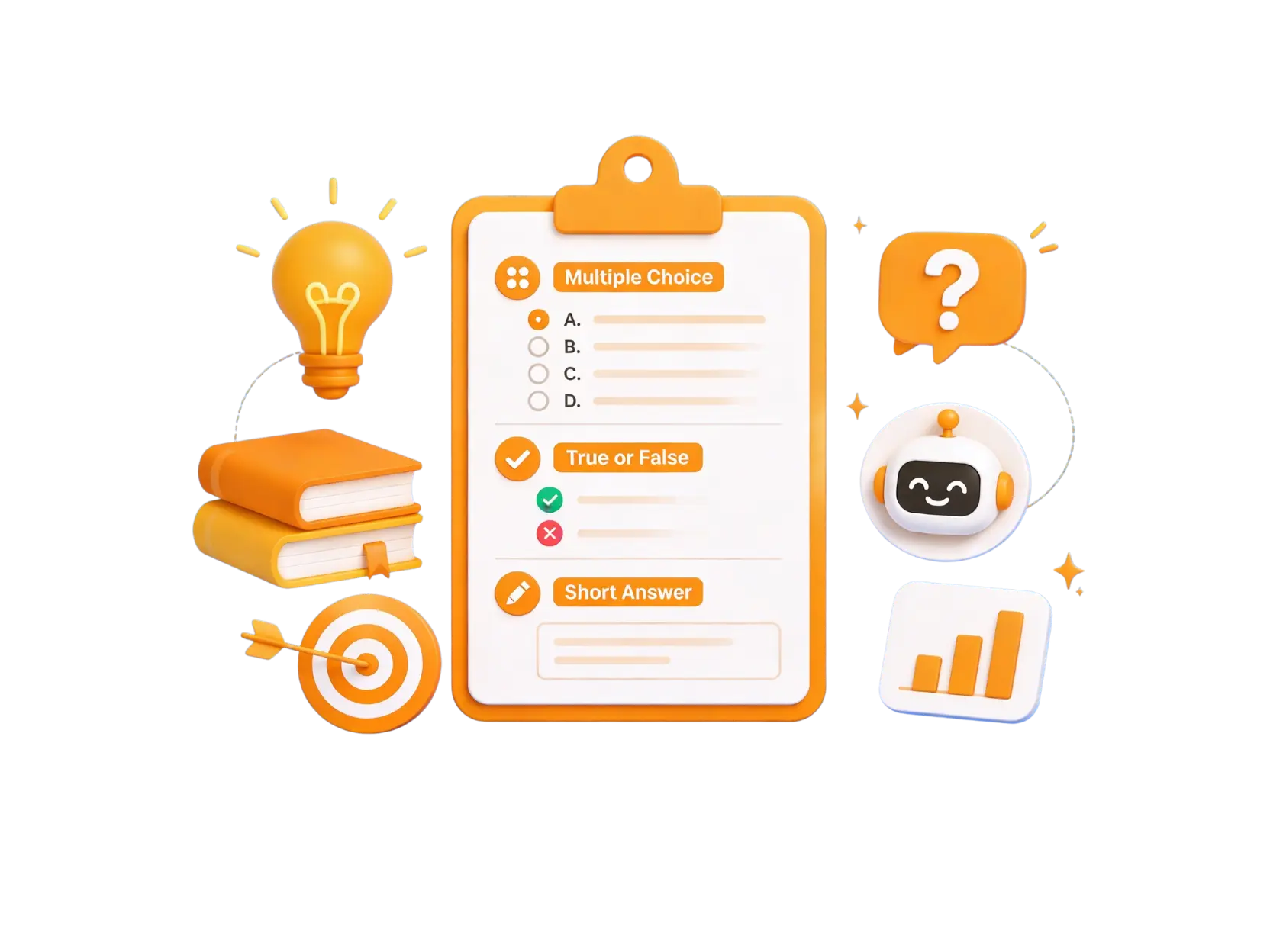
Choose Your Question Formats and Answer Key
Pick multiple-choice, true-or-false, or short-answer questions and decide how many you need. Every set comes with an answer key, so you can grade quickly or check your own answers while you revise.
How to Use the AI Question Generator
Add Your Source Material
Start with pasted text, an uploaded file, or a photo of a page. Class notes, readings, and handouts all work as the starting point.
Set the Number and Format
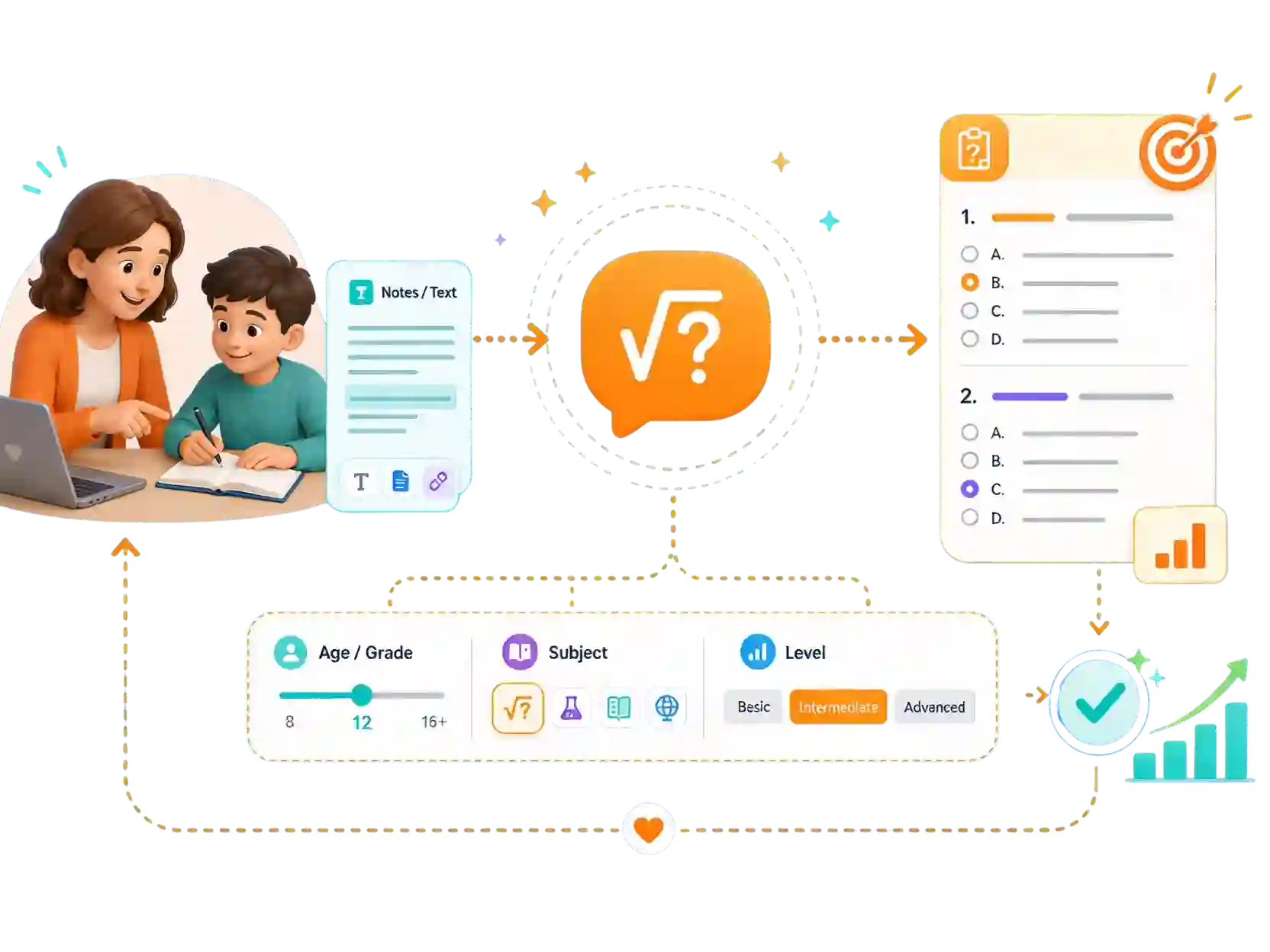
Choose how many questions you want, how difficult they should be, and which format to use. One source can become a short review sheet or a longer practice set.
Review the Questions and Answer Key
Read through the generated set, check the answers against your material, and reuse the questions in a handout, a study guide, or a lesson plan.
Where the AI Question Generator Helps Most
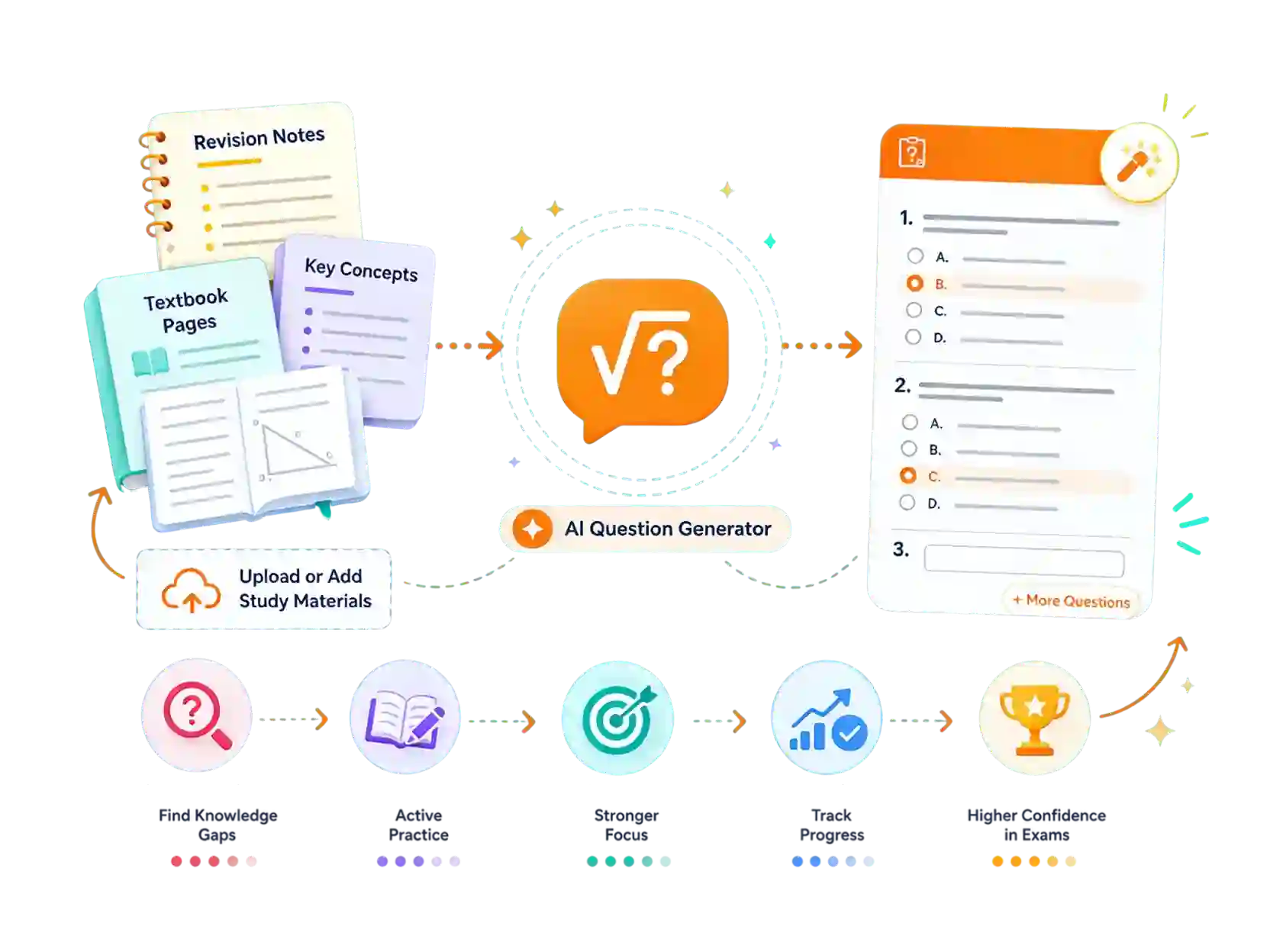
Students: Turn Revision Notes Into Questions
Before a test, turn a chapter or your class notes into questions you can answer on your own. Working through them shows you which topics are still shaky while there is still time to fix them. For problems that need a worked solution, open the word problem solver.
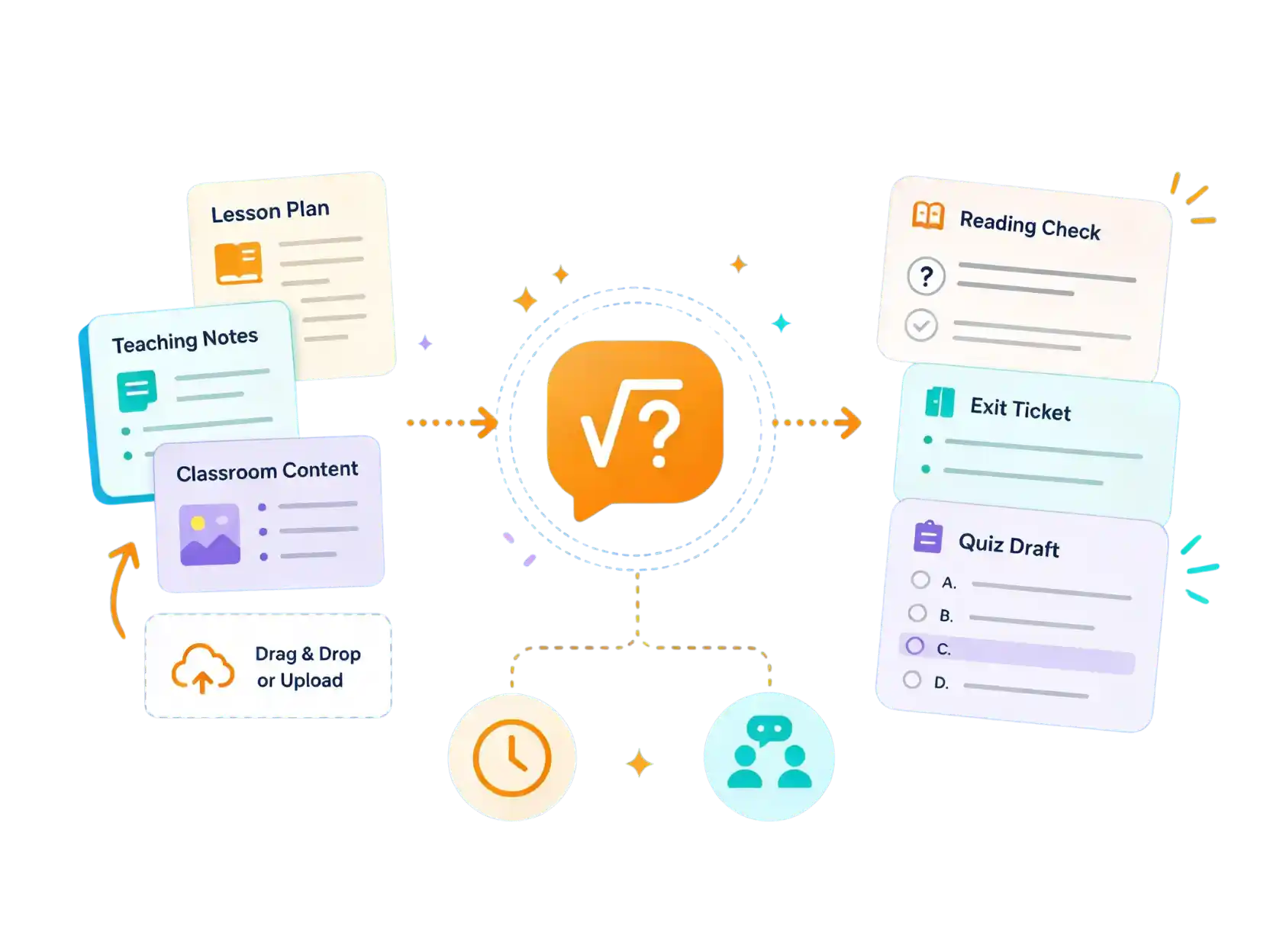
Teachers: Prepare Reading Checks and Review
Build reading checks, exit tickets, or review questions from the lesson material you already use. The questions stay close to what you taught, so you spend less time writing them and more time on the parts of teaching that need you.
Tutors: Build Targeted Question Sets
Create a set that matches one student's notes, level, and subject, then adjust the difficulty for the next lesson. It keeps each session focused on the gap you are working on, with the AI math tutor on hand when a topic needs a longer explanation.
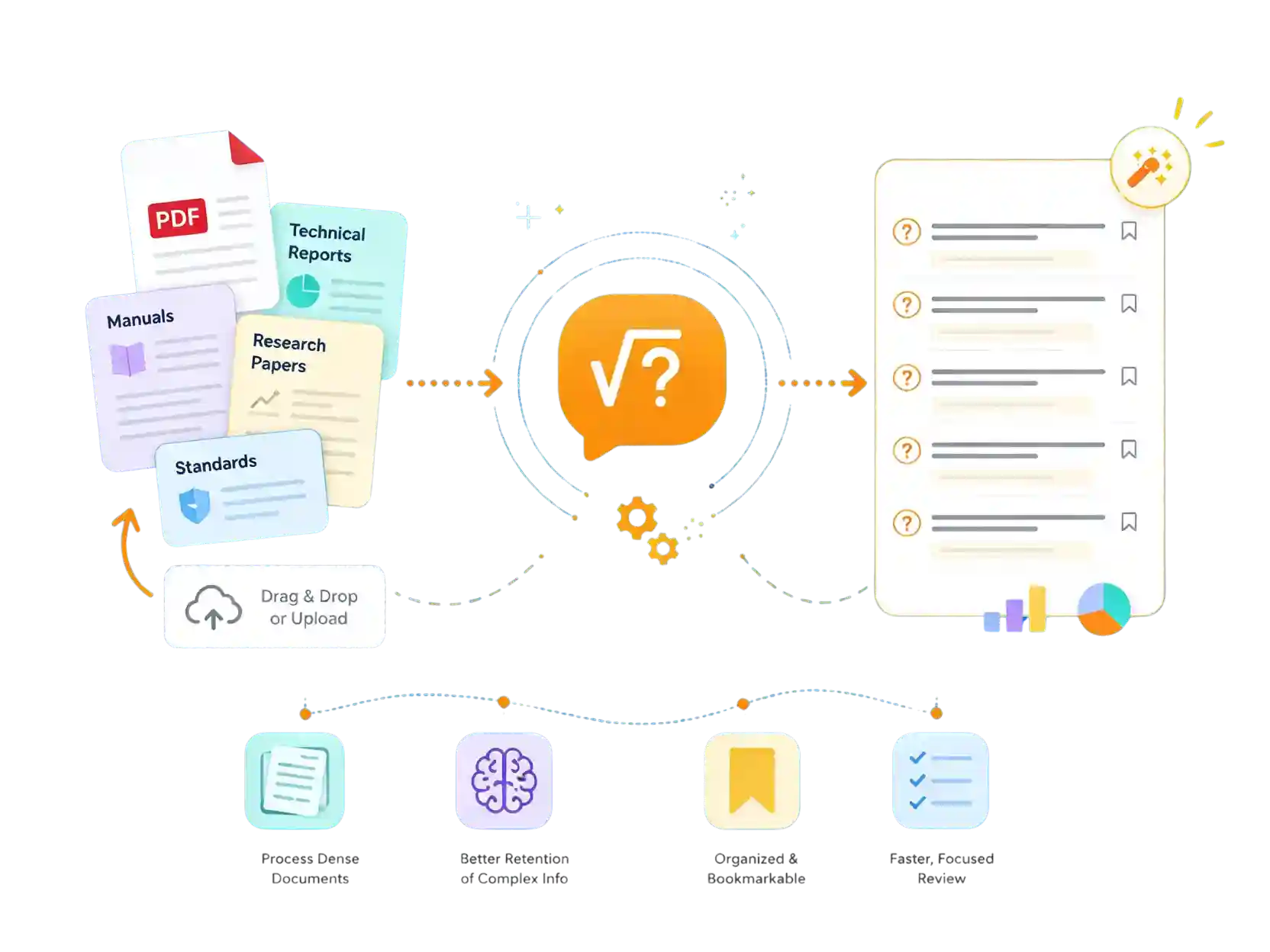
Training and Research: Questions From Long Reports
Turn manuals, reports, or standards into questions that make the main points easier to remember. It is a quick way to review dense material or to check that a team has understood a procedure, and heavy formulas in the source can go to the AI math solver.
Why Use Our AI Question Generator
Cuts Preparation Time
Build a full question set from material you already have instead of writing every item from scratch.
Questions That Match Your Material
The questions are drawn from what you provide, so they line up with your notes or lesson rather than a generic bank.
Simple to Start
Open it in a browser and begin with text, a file, or a photo. There is nothing to install and no setup to complete.
Flexible Question Formats
Choose multiple-choice, true-or-false, or short-answer questions to match how you plan to use them.
Handled With Care
Uploaded notes and documents are used to build your questions. Check AskMath's privacy policy to see how files and results are handled.
Built for Active Recall
Answering questions is more active than rereading, which helps new material stay with you longer.
What Users Say About the AI Question Generator







Start Using Our Free AI Question Generator
FAQ About the AI Question Generator
An AI question generator turns a source you provide, such as notes, an article, or a PDF, into a set of practice or review questions. You choose how many questions and which format, and the tool works from the meaning of your material to create them.
Yes. AskMath offers limited free daily uses, which cover most study and lesson-prep sessions. Plans with more credits are available if you need higher limits.
Yes. You can paste text, upload a document such as a PDF, or send a photo of a page. The questions are built from that material, so they stay close to what you are studying or teaching.
You can create multiple-choice, true-or-false, and short-answer questions, and choose how many you need. The same source material can produce a short review sheet or a longer practice set.
Yes. Each set comes with answers for the questions it generates, so you can grade a class check quickly or verify your own answers while revising.
Yes. Set the number of questions, the difficulty, and the format before you generate. This lets you match the output to a quick warm-up or a full review session.
You can generate a set without an account to try it out. Creating a free account lets you save your history and keep your past question sets organized.
Uploaded notes and documents are used to build your questions. For details on how files and results are stored and processed, review AskMath's privacy policy, and avoid uploading information you would not want processed.
Yes. Teachers and trainers use it to prepare reading checks, review questions, and short knowledge checks from material they already have, which reduces the time spent writing items by hand.
Yes. It works with any text you provide, including science, history, languages, business, and workplace material, so it is not limited to a single subject.